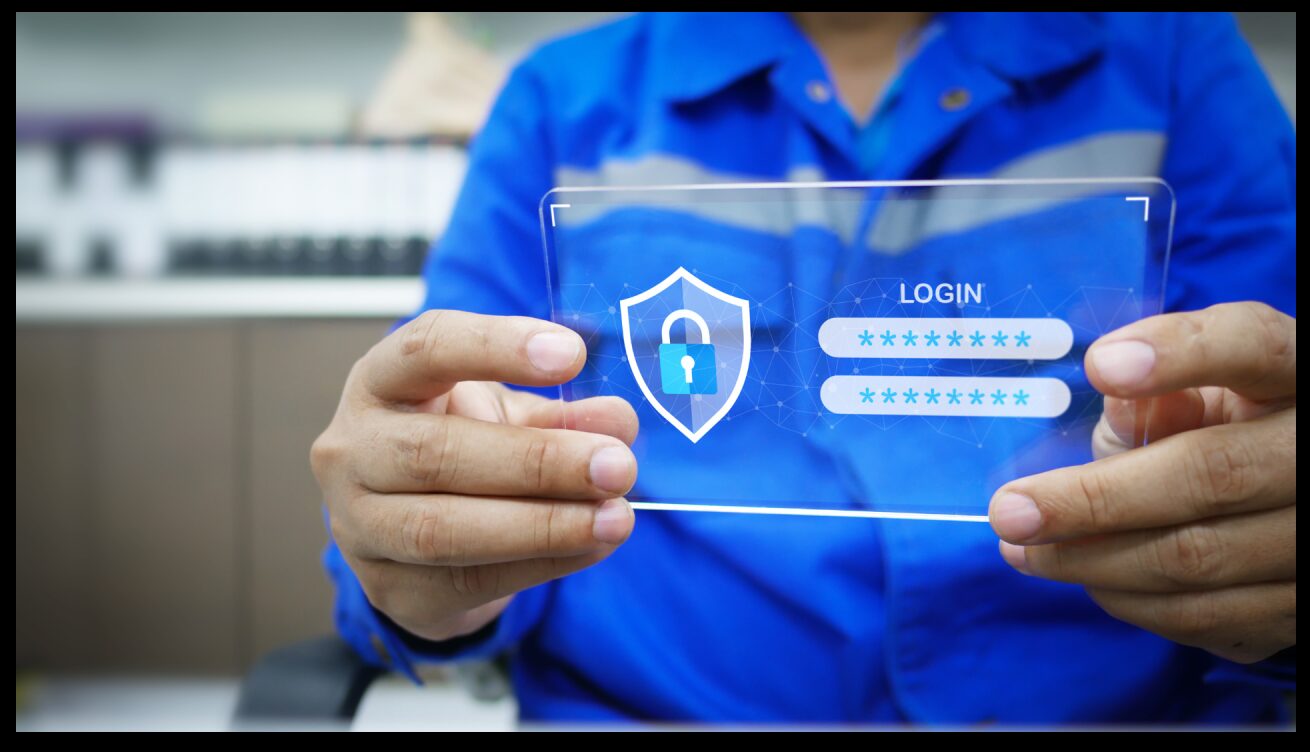
In the digital age, passwords are the keys to our online lives. They secure our personal data, financial accounts, social media profiles, and work-related platforms. However, managing a growing number of passwords can be overwhelming, leading many to adopt poor habits like reusing passwords or choosing weak ones. This is where a password manager comes in—a tool designed to simplify and enhance your cybersecurity.
What is a Password Manager?
A password manager is a software application that securely stores and manages your passwords in an encrypted database. It generates strong, unique passwords for each of your accounts and remembers them for you, eliminating the need to reuse or memorize multiple credentials. Most password managers also include autofill features, making it easy to log into websites and apps with just a few clicks.
Password managers come in different forms, including desktop applications, browser extensions, and mobile apps. Many offer additional features such as secure notes, multi-device syncing, and password-sharing options, making them a versatile tool for individuals and businesses alike.
Read More: Comprehensive Guide to Touchscreen Laptops: Features, Performance, and Best Models
How Does a Password Manager Work?
At its core, a password manager works by storing all your passwords in a single, encrypted vault. This vault is protected by a master password—the only password you need to remember. Here’s how the process typically works:
- Password Generation
A password manager can generate complex, random passwords for each account you create. These passwords are often much stronger than those created manually, reducing the risk of hacking. - Secure Storage
Once passwords are generated or saved, they are encrypted and stored in the manager’s vault. Encryption ensures that even if the vault is accessed by a malicious actor, the data remains unreadable without the master password. - Autofill and Accessibility
When you need to log into an account, the password manager auto-fills the login details, saving you time and effort. Many managers sync across devices, ensuring access to your passwords no matter where you are. - Regular Audits and Alerts
Advanced password managers offer security checks to identify weak, reused, or compromised passwords. Some also provide breach alerts, notifying you if your credentials have been exposed in a data breach.
The Benefits of Using a Password Manager
- Enhanced Security
A password manager ensures you use strong, unique passwords for every account. This drastically reduces the risk of cyberattacks, as hackers can’t exploit reused or predictable passwords. - Convenience
Remembering dozens of complex passwords is impractical. A password manager does the heavy lifting, enabling quick and seamless access to your accounts. - Protection Against Phishing
Password managers help protect against phishing attacks by ensuring that login credentials are only auto-filled on the correct websites, reducing the risk of entering details into fraudulent sites. - Multi-Device Syncing
Whether on your laptop, phone, or tablet, a password manager ensures your credentials are accessible across devices, streamlining your digital experience. - Time-Saving
With autofill features, logging into accounts becomes a matter of seconds. You no longer need to search for or reset forgotten passwords. - Secure Sharing
Many password managers allow you to share login details securely with family members or colleagues, making it easier to collaborate without compromising security.
Why Everyone Should Use a Password Manager
Password managers are not just for tech-savvy individuals or businesses; they are essential tools for anyone using the internet. In an era of frequent data breaches and increasingly sophisticated cyberattacks, relying on weak or reused passwords is no longer viable. Cybercriminals often use automated tools to test stolen credentials across multiple sites, a tactic known as credential stuffing. A password manager prevents this by ensuring every account has a unique password.
For businesses, password managers are especially critical. They help enforce company-wide password policies, streamline access management, and reduce the risk of insider threats. Many managers offer enterprise-level features like role-based access controls and activity logging, providing a robust solution for organisational security.
How to Choose the Right Password Manager
With numerous options available, selecting the right password manager depends on your specific needs. Here are some factors to consider:
- Security Features
Look for robust encryption, multi-factor authentication, and breach monitoring capabilities. - Ease of Use
A good password manager should be intuitive, with user-friendly interfaces and seamless autofill functionality. - Compatibility
Ensure the manager works across all your devices and browsers. - Additional Tools
Many managers include extras like secure notes, password sharing, and dark web monitoring. - Cost
While some password managers offer free versions, premium plans often include valuable features like cloud backups and priority support.
Conclusion
In today’s digital landscape, where cyber threats are more prevalent than ever, a password manager is no longer a luxury—it’s a necessity. By generating, storing, and managing your passwords securely, these tools provide an effective barrier against data breaches and cyberattacks. They simplify the complexity of managing multiple accounts while enhancing your overall security.
Whether you’re an individual protecting personal information or a business safeguarding sensitive data, investing in a reliable password manager is a wise decision. It’s an easy yet powerful step towards achieving greater peace of mind in a world increasingly reliant on digital security.
Apart from that if you want to know about “Best Laptops for College Students: Top Picks, Advantages, and Facts” then please visit our “Tech” Category.